To implement DEPENDENCY INJECTION natively on .NET CORE, we need to import one of Microsoft Extensions library, in this case Microsoft.Extensions.DependencyInjection. In this article i am using Visual Studio 2019 and .NET CORE 5.
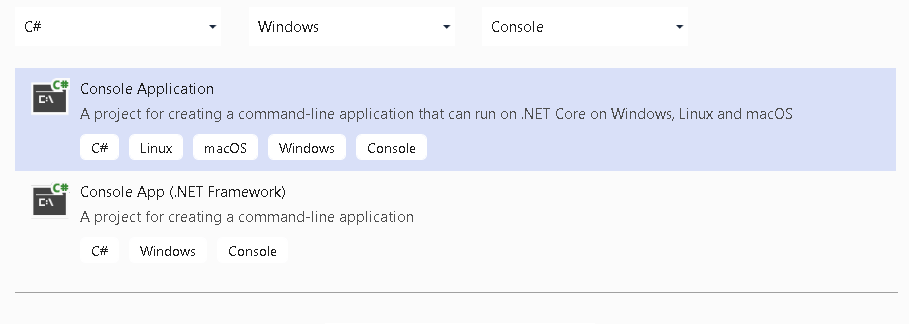
Open your Visual Studio 2019 and select Console Application.

I this case i am going to use C#. Click Next.
Name the project DI_On_Console

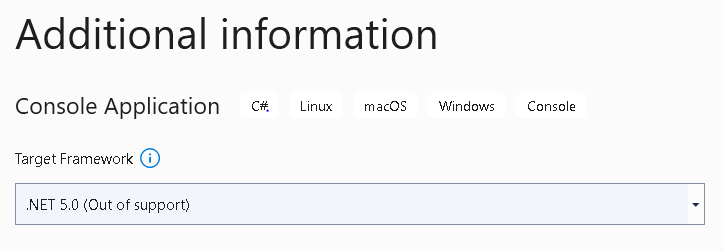
Choose .NET 5.0 as our Target Framework. Then click Create.
Your Visual Studio will greet you with a simple main program for you to start with.
using System;

namespace DI_On_Console
{
    class Program
    {
        static void Main(string[] args)
        {
            Console.WriteLine("Hello World!");
        }
    }
}
On Solution Explorer, select Dependencies. Right click then select Manage Nuget Packages.

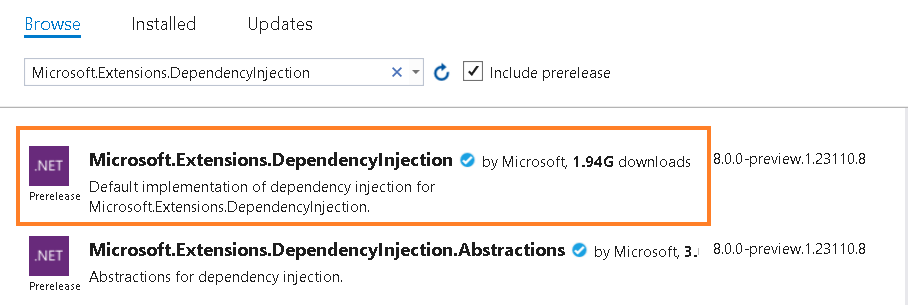
On Browse, search for Microsoft.Extensions.DependencyInjection. Select that one and click Enter.
The next step is to create an interface on new file named as IHelloWorld,cs
namespace DI_On_Console
{
    public interface IHelloWorld
    {

        public string GetString();
    }
}
Create a class to implent that interface. Name this file HelloWorld.cs.
namespace DI_On_Console
{
    class HelloWorld : IHelloWorld
    {
        public string GetString()
        {
            return "Hello World!";
        }
    }
}
We need ServiceCollection to register our newly interface and its implemented class and use GetService method create an instance of that class.
using System;
using Microsoft.Extensions.DependencyInjection;

namespace DI_On_Console
{
    class Program
    {
        static void Main(string[] args)
        {
            IServiceCollection services = new ServiceCollection();
            services.AddScoped<IHelloWorld, HelloWorld>();

            IServiceProvider provider = services.BuildServiceProvider();
            IHelloWorld instance = provider.GetService<IHelloWorld>();
            string value = instance.GetString();
            Console.WriteLine(value);
            Console.ReadLine();
        }
    }
}
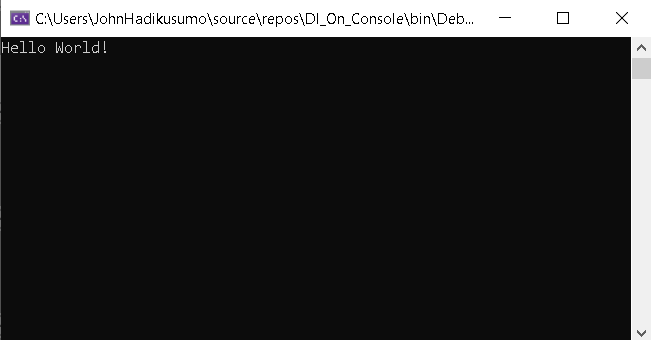
If you run a the code about, it would give the Hello World! as seen below.
 John Hadikusumo