By default Raspberry PI 4 enables the system to access to 4G Modem via Ethernet. There is special service that handles this : ModemManager. Now on the prompt, you can check the status of this 4G modem access by typing : sudo systemctl status ModemManager.
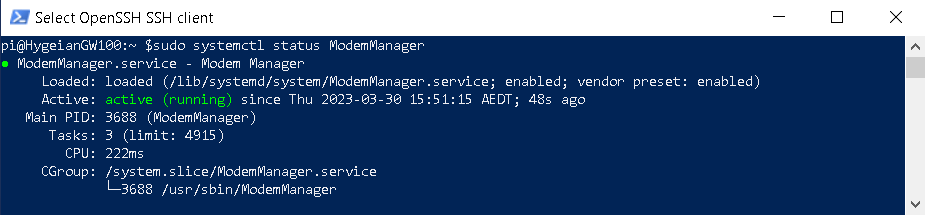
To stop and disable this access you can type : sudo systemctl stop ModemManager on your raspberry pi prompt followed by sudo systemctl disable ModemManager.

Now type sudo systemctl status ModemManager again, and you would see the status is inactive and ModemManager service has been stopped and shut down.
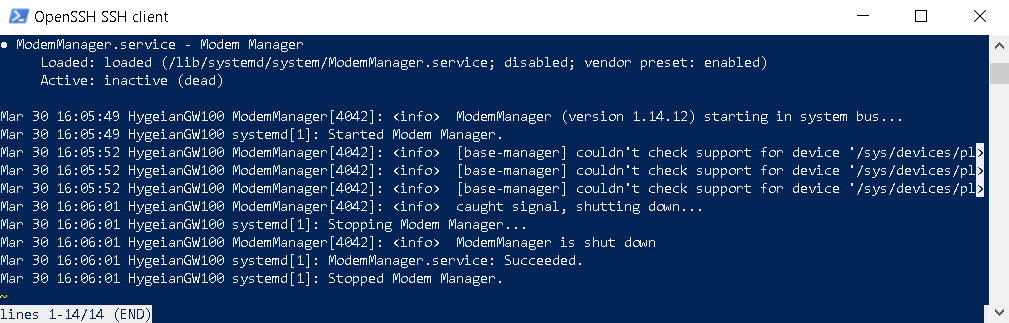
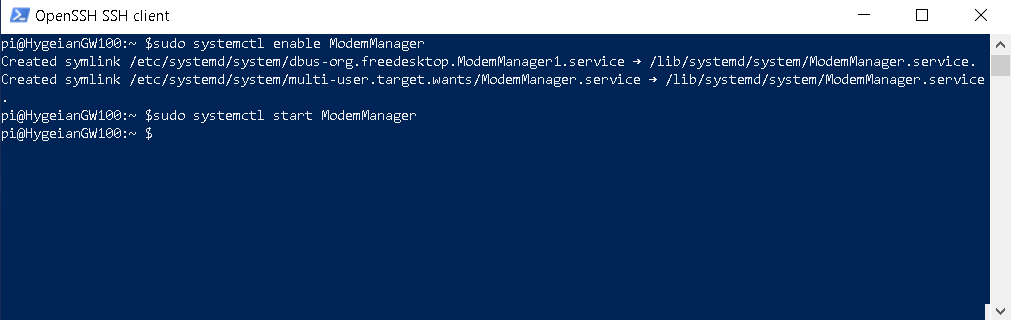
To enable 4G modem access you need to do the opposite what we did above. On the prompt type sudo systemctl enable ModemManager, followed by sudo systemctl start ModemManager.
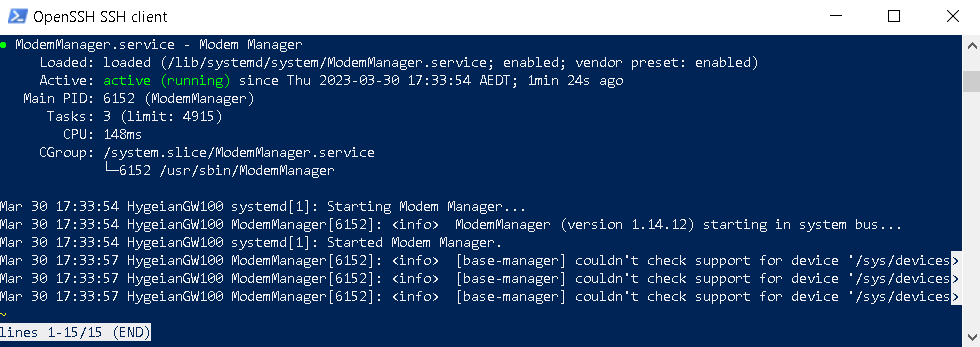
Now type sudo systemctl status ModemManager.

 John Hadikusumo