First thing first, you need to download openssl application installer from the following link : https://slproweb.com/products/Win32OpenSSL.html. Because my computer is running windows 10 pro 64 edition, so i am going to choose Win64 MSI version.
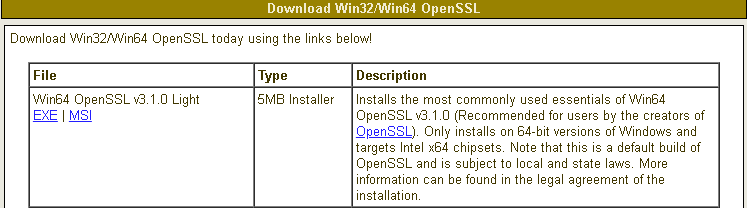
When you run the application installer, you might encounter resistance from Microsoft Defender on your computer. Click more info to get more optional button.

Because i believe this third party is safe, so i clicked on Run anyway button.

Select I accept the agreement, the click Next.

For location, i prefer the default location as provided by the installer. Click next couple times till the installation process is finish.
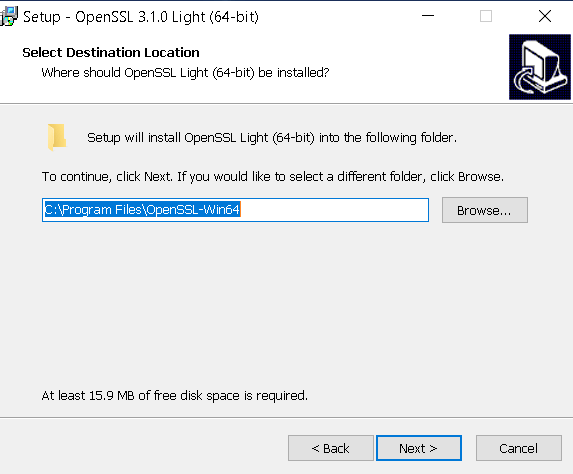
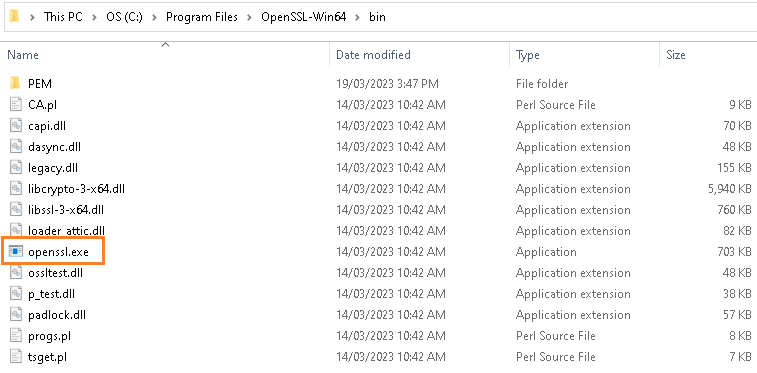
Once the installation process is finish, we can find openssl.exe under program files folder.
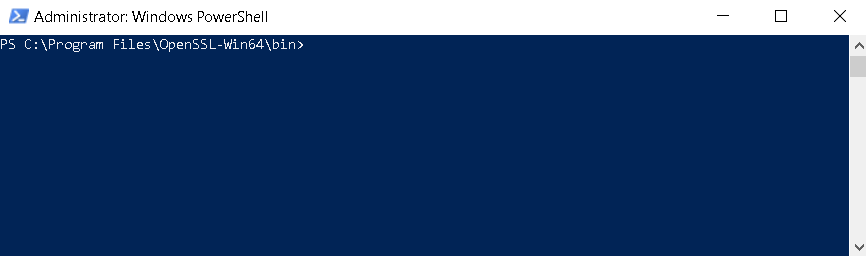
Now, open your Windows PowerShell with administrator privilege and go to the directory where that openssl.exe is residing.
On the prompt type openssl.exe req -new -newkey rsa:4096 -nodes -keyout yoursecret.key -out yoursecret.csr.
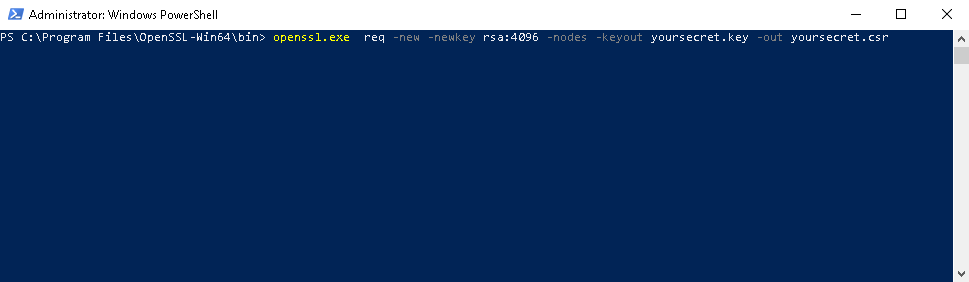
Once you hit ENTER, the prompt will ask you many different things. First it will ask you about what country you are going to use the certificate for. Because i am living in Australia, so i just type AU.

Then it will ask you about the state or province you are living. Because i am living in New South Wales, so i typed in NSW.
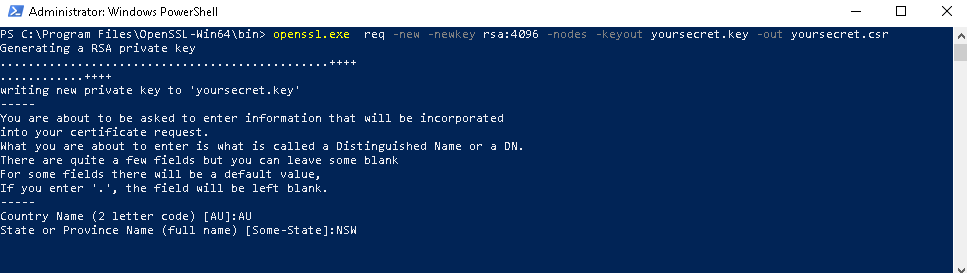
Now, it is asking the name of the city you are living.
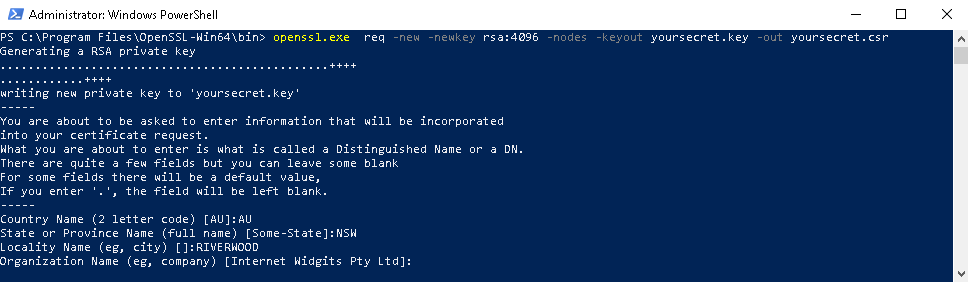
It will be asking you Organization Name, Organization Unit Name, Domain name if any, then email address and the challenging password.

After completing all those prompted questions, now you can see the generated pem file


blah

 John Hadikusumo